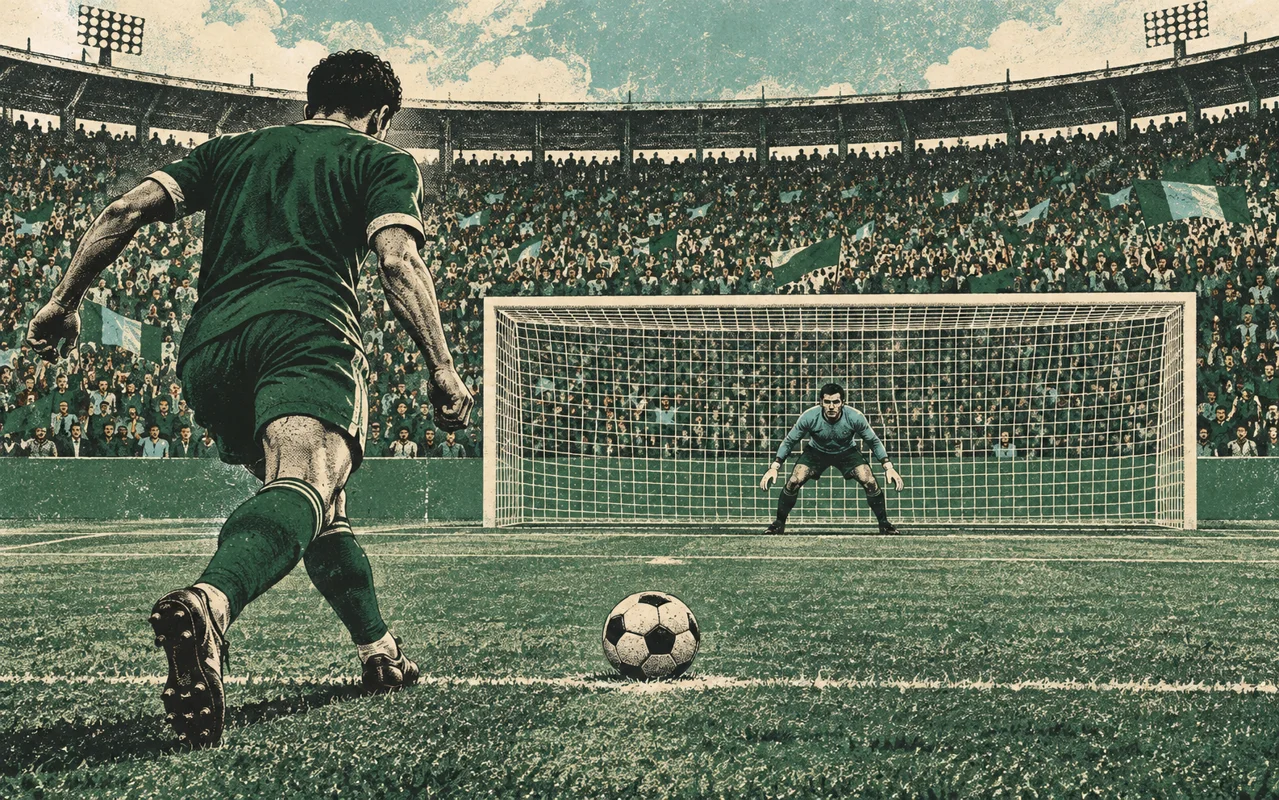
First kick: watch before you press
Start by watching one sideways cycle of the target. The marker keeps moving while you hold, so the release moment selects both the lateral position and the height. Pressing does not lock the direction. Use the large action button or the pitch; on a keyboard, hold space.
Try a moderate hold first and observe where the ball finishes. The height meter is a guide to elevation, not a separate power control. Release sooner for a lower shot. Holding too long lifts the target above the crossbar and sends the kick out.
Aim for space without wasting the penalty
Corners make the goalkeeper travel further, but aiming too close to the edge risks a miss. First learn to put the ball inside the posts at a controlled height. Then start varying your side and elevation. A safe shot on target is often more useful than a difficult corner you cannot repeat.
Avoid sending every kick to the same place. The computer goalkeeper takes your recent directions into account. Variation does not guarantee a goal, but it stops the easiest repeated pattern. Watch the ball and goalkeeper after each shot rather than relying only on the score.
Saving: wait for information, then react
During the opponent’s turn, wait for the target that indicates the shot. Tap the actual location in the goal, including its height. With a keyboard, move the defensive cursor using the arrow keys and press space. The action button dives at the cursor position.
A dive before the target appears is premature. A very late dive may not reach the ball, and jumping too early after the cue can leave the goalkeeper past the useful save window. Read, choose and commit once: a dive cannot be corrected by tapping again.
Mobile controls and common mistakes
Use a normal browser tab and keep the pitch visible. Hold and release for a kick; tap to defend. If the game pauses when you change apps or move to another window, press Continue when you return. Pause before leaving the phone unattended.
If shots keep going over, shorten the hold. If saves fail despite the right side, check the height and timing. If a tournament looks different on another device, remember that progress is stored locally and is not an account-based cloud save.